What the Timeline shows
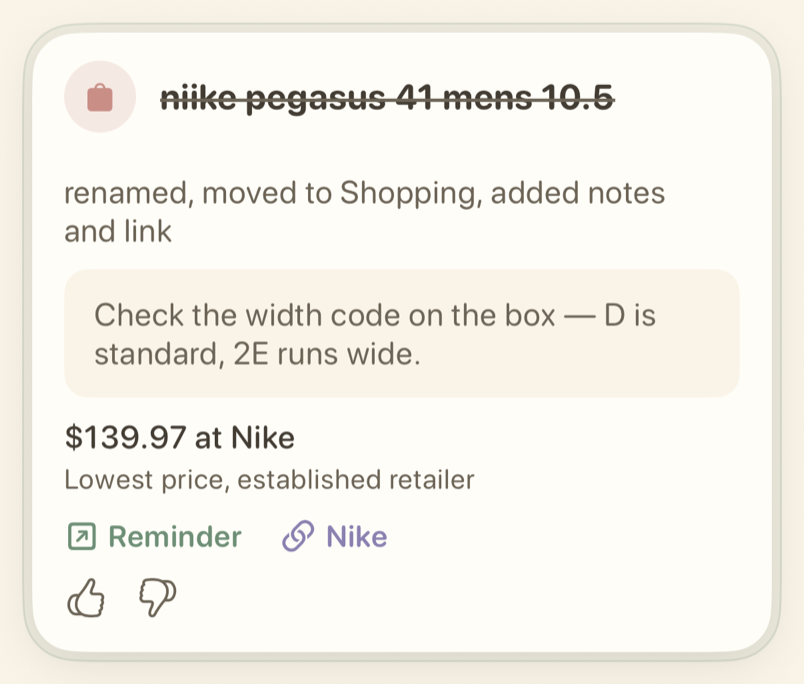
The Timeline shows every updated reminder: the current status, applied changes, useful hints, links, and more. Most of this data is also in the Apple Reminders app, so you can keep using Reminders as usual.
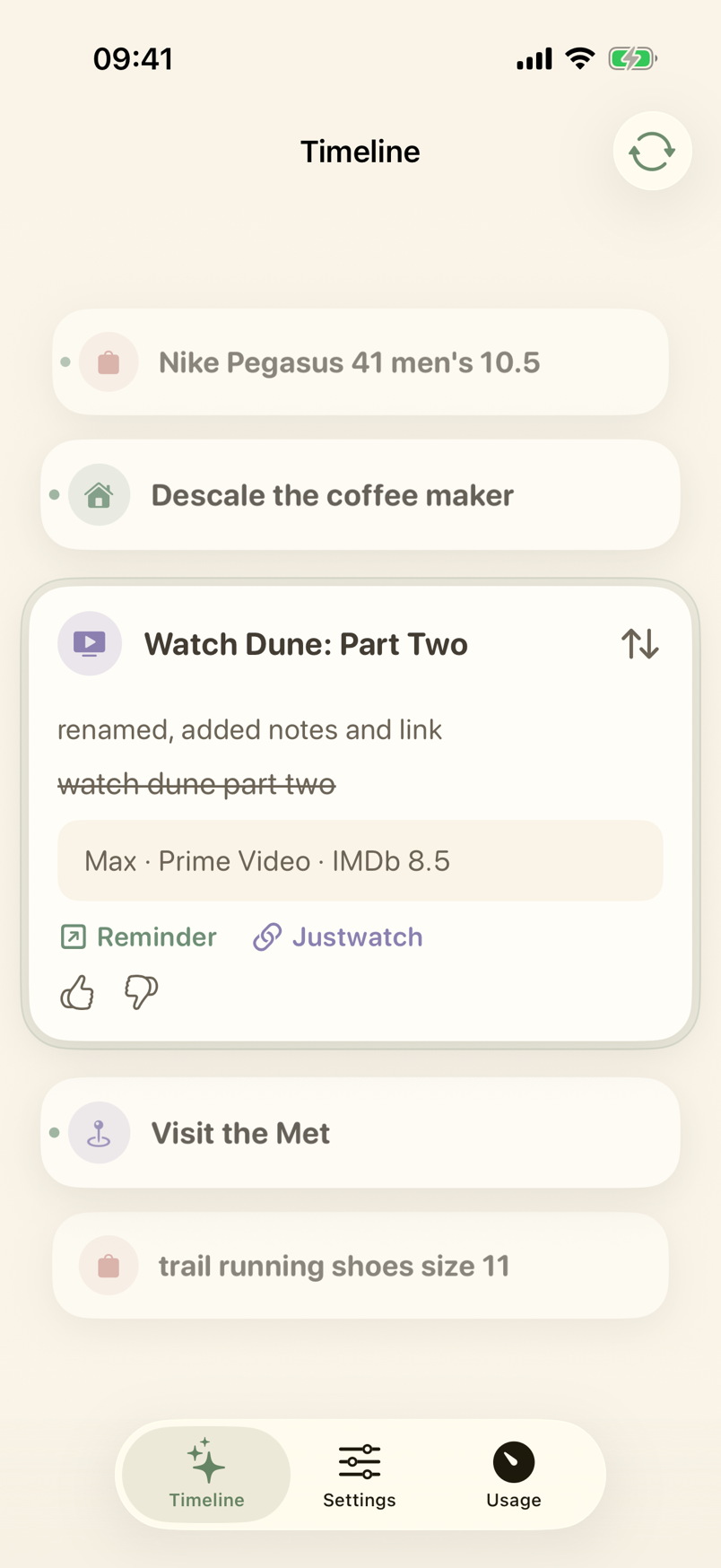
A reminder shows as a loading card while nobardak is working on it.
When you reach your monthly limit, waiting reminders show as paused cards. They continue when the month renews or you upgrade. See Limits and nobardak Pro for details.
Undo or restore a change
Tap Undo to reverse a change in Apple Reminders. Tap Restore to apply it again.
Choose which categories notify you on the Notifications page.