nobardak sorts each new reminder into the right list and fills in what's missing: a shop link, an address with opening hours, the steps for a chore, or where to watch.
What nobardak adds
What nobardak adds depends on the kind of reminder:
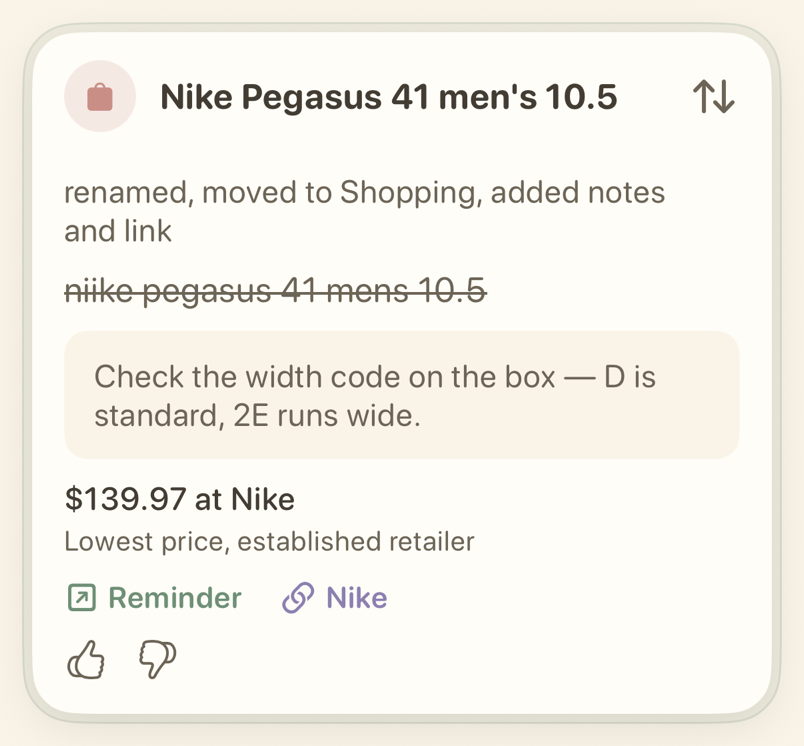
- Buy — a shopping list, a clearer title when title rewriting is on, and a buying tip or shopping link where one is found.
- Visit — a map link, plus the address, opening hours, or ticket price where they are found.
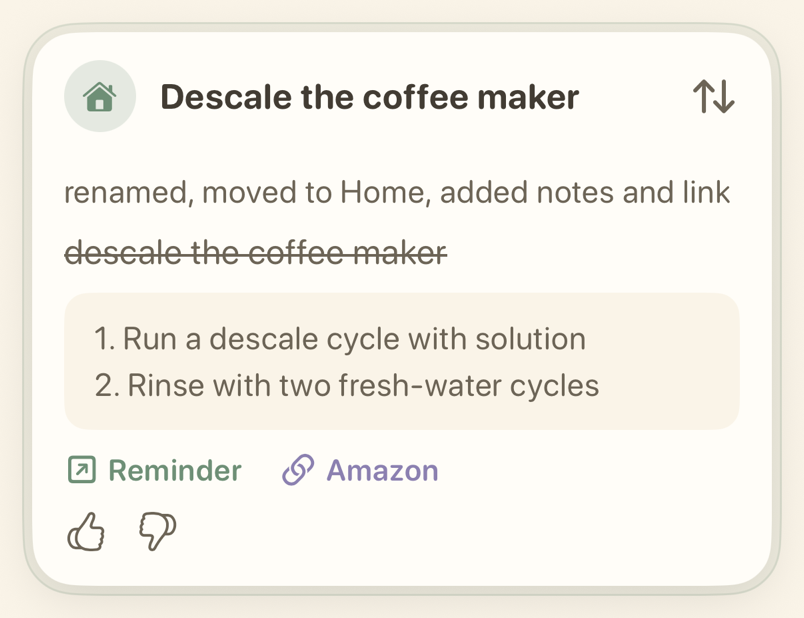
- Household — a Home list and two to four short steps. A supply link where one is needed.
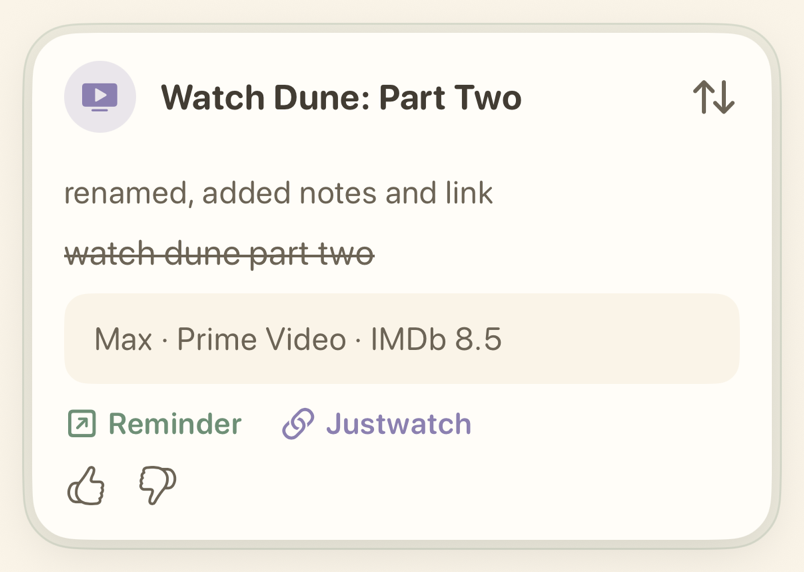
- Watch — a link to where a movie or show is available. Provider names appear only once a search confirms them.
- Call — reminders to call or write to someone.
- Other — the reminder stays in its list, with a short answer or a useful link.
How are priority, dates, and repeats set?
A reminder that says it's urgent gets high priority. A reminder that names a date or a repeat pattern gets that too. Existing priorities, dates, and repeats stay as they are.
Read Lists and routing to see where reminders go, or Timeline and Undo to change something back.